Cedric has been busy updating his marvelous Blender Addon 'Speedflow', now working here in Blender 2.8. It's essentially a non-destructive workflow tool (or rather a compilation of tools) for modeling.
Please watch it on YouTube if you want the links, I recommend the addon. Having been concentrating on 2D art, I haven't done 3D in Blender for a while, but I will get back to it at some point, and I would like to get fully comfortable with Speedflow.

Showing posts with label Useful stuff. Show all posts
Showing posts with label Useful stuff. Show all posts
Tuesday, 11 June 2019
Sunday, 22 July 2018
Easyref - A modeling friendly image reference system for Blender.
I'm using the image reference script authored by Cedric Lepiller, the same guy who created Speedflow and Speedsculpt, it's called Easyref and as he would say in his French accent, "this is nice". What's really unique about this addon is it allows you to put the image right into Blender, overlaying your work-space, you then construct geometry right behind it, it's magical.

Above is the model with Easyref overlayed, and below is the unfinished model as it is, closely matching the proportions of the reference image.


Above is the model with Easyref overlayed, and below is the unfinished model as it is, closely matching the proportions of the reference image.

Saturday, 26 May 2018
Heavypoly workflow for Blender
It's a schizophrenic time for me and Blender at the moment, with Speedflow up-dates and the new 2.8 version in the works, I probably shouldn't look into this alternative workflow tutorial by Heavypoly.
If you go to the video on his channel, you are given the links to a bunch of config scripts and a startup file to install into a current daily build version of Blender. This is his own unique layout, pie menu tools and other nifty things to get even the newest Blender user up to speed. I'm new to Blender myself so I'm interested in trialing this cool work-flow to see if it fits.
I'm only a little into the tutorial as of this writing, but so far it's been nice. His teaching style is very clear and the pie menus, tools and layout make Blender feel like a new software.
Monday, 18 December 2017
Speedflow Bevel and Solidify for non destructive workflow
Just watching the latest video about Speedflow, which will be my Christmas present to myself.
Sunday, 3 December 2017
Speedflow for Blender
After using Cedric's other Blender Add-on Speed Sculpt, the next add-on I'm probably going to get for Blender will be his awesome workflow booster Speedflow.
I've been engaged in another non-CG project for a few weeks, so I haven't had much time to devote to Blender, but I will set aside a week or two to get back into it, perhaps using Speedflow.
I've been engaged in another non-CG project for a few weeks, so I haven't had much time to devote to Blender, but I will set aside a week or two to get back into it, perhaps using Speedflow.
Saturday, 28 October 2017
Purchased SpeedSculpt for Blender, My thoughts.
SpeedSculpt is an addon for Blender that is a collection of utilities and tools packed into a menu that sits in the side tool bar. I imagine the things it does are things you could always do in Blender, but the addon short-cuts all the complicated processes and makes them less of a workflow killer. One of the things that attracted me to it was a feature that allows you to merge shapes together and convert them into dense meshes that can then be sculpted.


This feature allowed me to sculpt over the merged mesh to give this model a claymation look.


This feature allowed me to sculpt over the merged mesh to give this model a claymation look.

Below is the model as it stands at the moment. I'm getting a hand crafted look, at least it's what I'm aiming for.

I recommend watching the YouTube videos about Speed Sculpt to decide if you need this addon, it's a very low priced addition to Blender, I've barely used any of it's options so far yet it's already opened up possibilities for me in Blender.
Sunday, 30 April 2017
Utility Box-After Effects Script for Motion Graphics. Free.
Utility Box is a full featured script of time saving functions that is currently going at the ridiculously low price of signing up to Voxyde's newsletter (I'm not sure you even need to do that).
Color Palettes and where to find them.
Actually, just two color swatch sites that I heard about recently. Both are free to join and you can design palettes, browse palettes and download them in different formats. First up is Coolors.

This has a nice interactive palette maker and the site layout is very swish. That's my contribution in the top left corner. The export options are these.

However I think I'm leaning towards Color Lovers, this site isn't as sexy but the feeling of interaction is strong as they feature a forum, a blog and groups, users can also up-vote swatches and make comments.

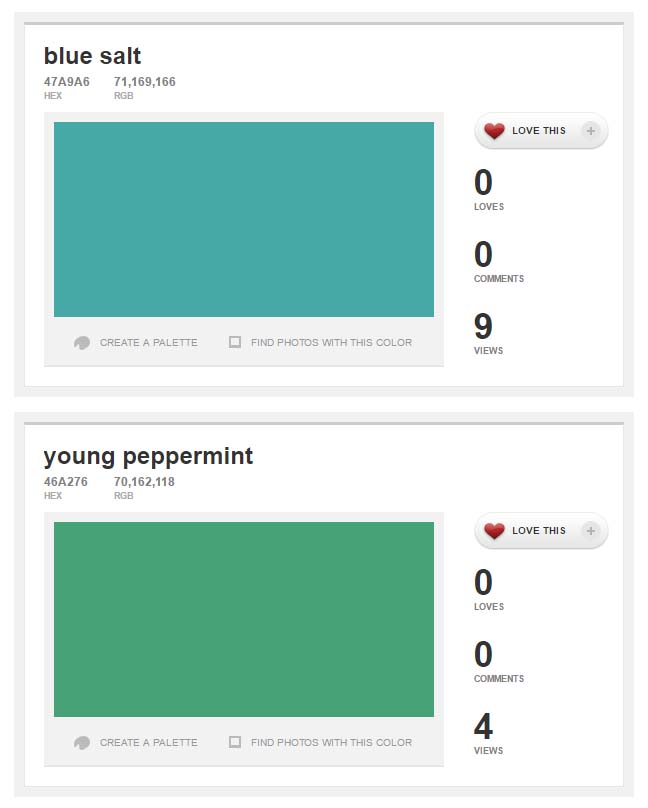
Another plus is if your swatch uses a new color that hasn't yet been used, you get naming rights. Pretty cute. I give the world Blue Salt and Young Peppermint.
Here are the export formats.

This has a nice interactive palette maker and the site layout is very swish. That's my contribution in the top left corner. The export options are these.
However I think I'm leaning towards Color Lovers, this site isn't as sexy but the feeling of interaction is strong as they feature a forum, a blog and groups, users can also up-vote swatches and make comments.
Another plus is if your swatch uses a new color that hasn't yet been used, you get naming rights. Pretty cute. I give the world Blue Salt and Young Peppermint.
Here are the export formats.
Thursday, 30 March 2017
Another free preset from S.O.M.
School of motion provides another cool free stroke preset by Jake Bartlett.
Here's the link to the page for the download. You have to register.
Here's the link to the page for the download. You have to register.
Wednesday, 14 December 2016
Monday, 12 December 2016
KUADRO - for dem pesky reference images.

What is it you wonder? It's a handy little image viewer tool devoted to maximizing image and minimizing UI, giving you complete freedom to scale, resize and move your reference images anywhere on the screen.
It's free so there's no excuse. Merry Christmas, this is definitely my last post this year.
Wednesday, 3 June 2015
Anime Studio Pro 11 Frame by Frame explained.
Animation artist Chuck Kenway did this excellent walk-thru of the new Frame by Frame process in Anime Studio Pro 11. This really helps explain how it can be used as part of a complete work-flow in your productions, with all layers (outline, color, shading) being referenced off the first blue pencil layer. Any changes the animator makes to the first layer is passed on up the chain of referenced layers.
Tuesday, 26 May 2015
Frame by Frame and Plastic Animation Paper.
I'm sure most traditional animators already knew this, but there has been this program around for years that has become free because the developers consider it old and ugly. However it seems pretty cool to me, admittedly I'm not a traditional animator and I've only played with it for about an hour.
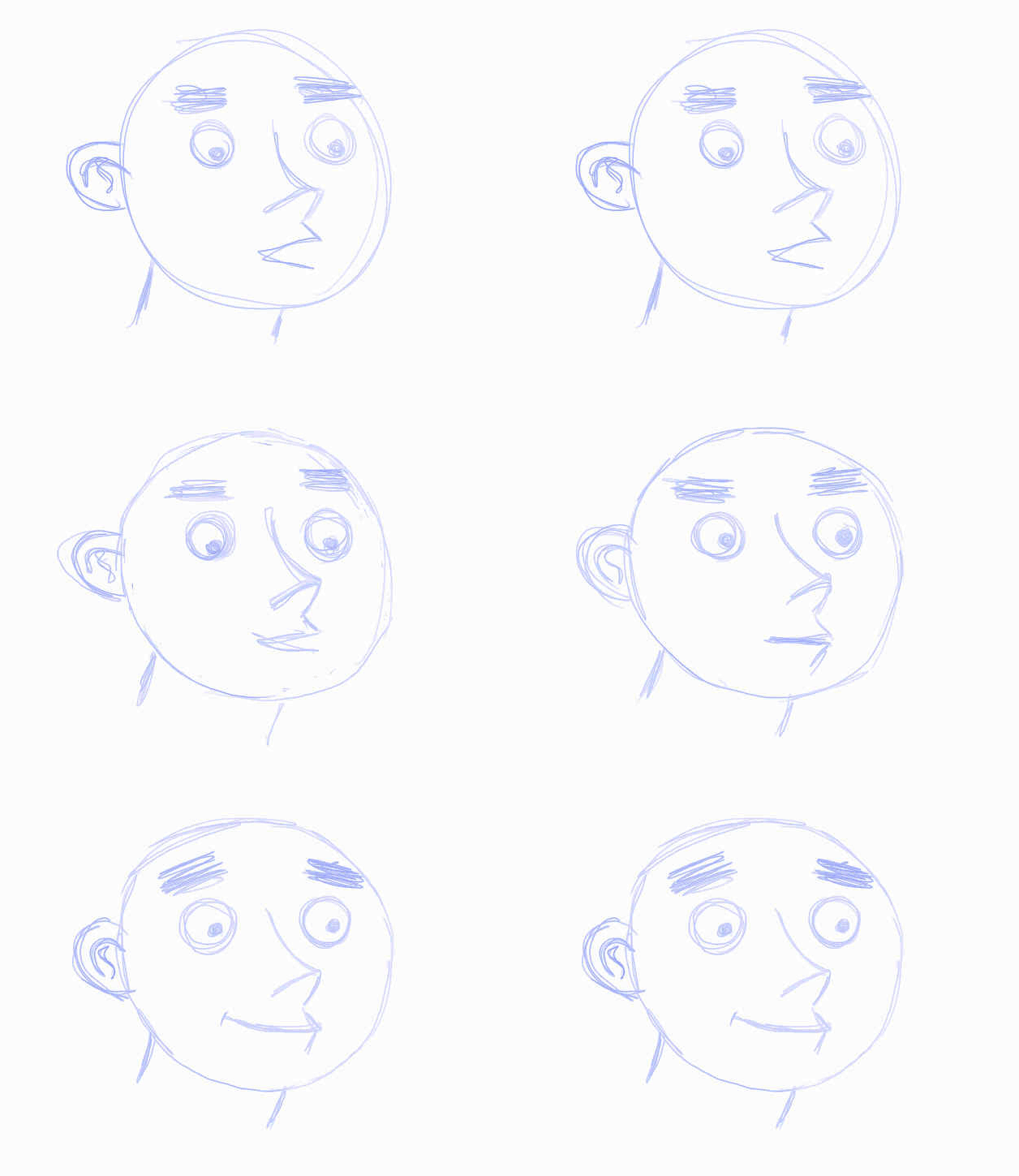
I know my example animation is rather shit, I just want to put something up on the blog that looked like F.B.F animation. I think this is a really nice little app to work with and you can even bring in sound files if you need to animate to audio. The developer was trying to crowd fund an upgraded version called Animation Paper but unfortunately they didn't hit their target so I don't know if that'll ever happen. But till then we have this, for free.

I know my example animation is rather shit, I just want to put something up on the blog that looked like F.B.F animation. I think this is a really nice little app to work with and you can even bring in sound files if you need to animate to audio. The developer was trying to crowd fund an upgraded version called Animation Paper but unfortunately they didn't hit their target so I don't know if that'll ever happen. But till then we have this, for free.
Monday, 11 May 2015
Standing Desk solutions
Last year I took time out to build a standing desk, it used adjustable legs to achieve the required height. The end result looked like this and cost about $200 or so.

At the time I was unable to find an affordable solution off the rack, however things have since changed and I have now discovered this.

The prices are quite reasonable and had this been around at the time I would have gone for this. The obviouse advantage is that the height adjustments can be made easily at any time, with my hand made model I have to clear the desk, upturn it and adjust each leg separately.
More information at VARIDESK Australia.
At the time I was unable to find an affordable solution off the rack, however things have since changed and I have now discovered this.
The prices are quite reasonable and had this been around at the time I would have gone for this. The obviouse advantage is that the height adjustments can be made easily at any time, with my hand made model I have to clear the desk, upturn it and adjust each leg separately.
More information at VARIDESK Australia.
Behold the Beholder HSP - 3 Axis Stabilizer for smart phones
Here's a review for a handheld stabilization rig for your smart phone by Mikey of AE Tutes with Mikey.
More info at teamrebeldesign.com.
More info at teamrebeldesign.com.
Saturday, 13 September 2014
New short tutorial about Instancing in Lightwave
Just took time out to document how to symmetrically instance geometry in Lightwave as explained to me by Elvis Blazencic.
I've added it to the tutorial page as well.
I've added it to the tutorial page as well.
Saturday, 23 August 2014
NATRON and KRITA, Open Source Apps.
I've come across these two separate open source programs that deserve some attention. First there is Natron, a nodal film compositing software that closely mirrors the Foundry's Nuke. It has access to many OpenFX plugins and exists to give students a way to learn the standard compositing workflow.
 The other contender is a painting program, Krita, and I'm quite enthused to give it a go and see what it offers, it has a different take in that it is not a Photoshop clone, it's something else.

Of course, as is often the case, these being free, they'll get downloaded, perhaps installed, but will they get used?
I'll let you know.
Of course, as is often the case, these being free, they'll get downloaded, perhaps installed, but will they get used?
I'll let you know.
Sunday, 15 June 2014
New Tutorial - Make Neon Text
I know I've been neglecting the blog for a bit, other projects have been occupying my time, however I did make this little screen capture tutorial to demonstrate a fairly easy method for creating neon style text.
I've been playing around with creating sub-D text, or techniques to do it easily,so I might do a future tutorial about that as well.
I've been playing around with creating sub-D text, or techniques to do it easily,so I might do a future tutorial about that as well.
Friday, 11 April 2014
MyPaint for Nokia N900 Demo
This talented artist shows how even the teeniest of pen and tablet combos can be used to produce wonderful sketches and concept art.
He has also made his custom brush set available for download, it's under the video on YouTube.
He has also made his custom brush set available for download, it's under the video on YouTube.
Monday, 10 March 2014
Some new links for Motion Graphics added.
I've added some recent additions to the "'Useful Places' links on the side of the blog, they are
After Effects related sites dealing with motion graphics, so here's a quick overview of who and what they are.

'Motion Graphics X change' is a great repository of various scripts, presets, expressions and tutorials from its members. You use the search function to finds things and may end up spending quite a bit of time just trawling around. Once you understand they way the siteworks it's a very interesting place to be.
'Batch Frame' is the work of visual effects/motion graphics artist Jesse Toul, and contains a wealth of tutorials, scripts, projects, templates and footage (for sale). he has developed an online tool called Pseudo Effects Creator, it allows you to create tidy little effects controls for your own effect presets, and he also attempts to teach some remedial code writing for beginners.
'Chris Zwar', also the work of one man is like-wise a collection of tutorials, case studies and downloadable projects. He has a long article on Keying and a lot of interesting and useful discussions about various things in and around After Effects. Check out his 'Pre-compose to layer duration' script.
'Quba HQ' is also a designer based site by Quba Michalski who works at Auto fuss in the States. It has a more magazine style aesthetic and encourages browsing and trawling. lots of stuff to discover, tutorials and presets. Go at it.
'Motionworks' is the work of John Dickinson and is sort of like Sydney's version of Greyscalegorilla. There's so much on this site that I'm dis-inclined to attempt writing about it all, I intend visiting it often since I learnt stuff there on my first visit.
'AE Enhancers' is a community based forum for expression and script writers. They often improve upon scripts amongst themselves and so it's a great place to go to see if there are any better versions of your favorites in existence.
A visit to any of these sites is likely to lead to the discovery of other web resources as well, and it's always a good thing to learn new things from professionals about After Effects.
After Effects related sites dealing with motion graphics, so here's a quick overview of who and what they are.
'Motion Graphics X change' is a great repository of various scripts, presets, expressions and tutorials from its members. You use the search function to finds things and may end up spending quite a bit of time just trawling around. Once you understand they way the siteworks it's a very interesting place to be.
'Batch Frame' is the work of visual effects/motion graphics artist Jesse Toul, and contains a wealth of tutorials, scripts, projects, templates and footage (for sale). he has developed an online tool called Pseudo Effects Creator, it allows you to create tidy little effects controls for your own effect presets, and he also attempts to teach some remedial code writing for beginners.
'Chris Zwar', also the work of one man is like-wise a collection of tutorials, case studies and downloadable projects. He has a long article on Keying and a lot of interesting and useful discussions about various things in and around After Effects. Check out his 'Pre-compose to layer duration' script.
'Quba HQ' is also a designer based site by Quba Michalski who works at Auto fuss in the States. It has a more magazine style aesthetic and encourages browsing and trawling. lots of stuff to discover, tutorials and presets. Go at it.
'Motionworks' is the work of John Dickinson and is sort of like Sydney's version of Greyscalegorilla. There's so much on this site that I'm dis-inclined to attempt writing about it all, I intend visiting it often since I learnt stuff there on my first visit.
'AE Enhancers' is a community based forum for expression and script writers. They often improve upon scripts amongst themselves and so it's a great place to go to see if there are any better versions of your favorites in existence.
A visit to any of these sites is likely to lead to the discovery of other web resources as well, and it's always a good thing to learn new things from professionals about After Effects.
Subscribe to:
Posts (Atom)